
Castlevania: Belmont's Curse Steam: PC Buying Guide
Castlevania: Belmont's Curse Steam guide: compare PC requirements, editions, controller support, and Steam Deck performance before you brave the castle.
Jump to
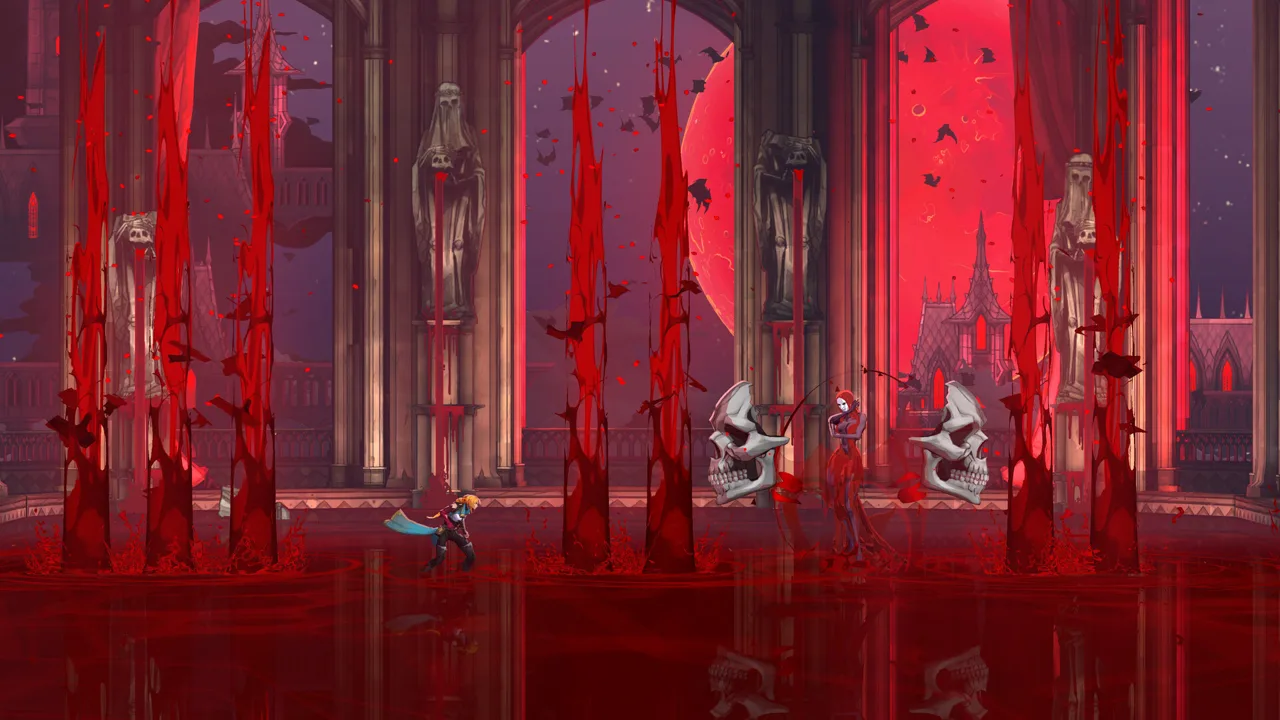
Is Castlevania: Belmont's Curse Available on Steam?
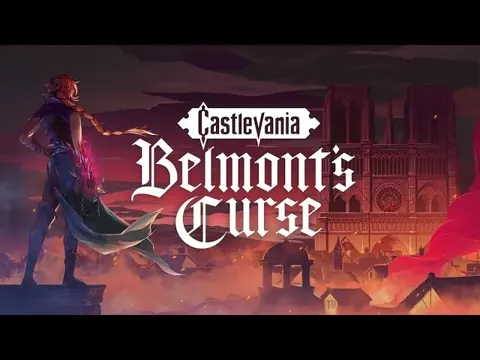
Castlevania: Belmont's Curse Steam brings Rose Belmont's vampire hunt to Windows PC, with whip-driven exploration, seven weapon categories, and bosses whose powers become your spells. Before stepping into Dracula's castle, check the hardware requirements and handheld performance so you can choose how to play. This Castlevania: Belmont's Curse Steam guide covers the editions, controls, and practical details that matter before buying.
The game takes place in Paris in 1499, 23 years after Castlevania III: Dracula's Curse. Trevor Belmont and his daughter, Rose, enter a city overrun by monsters, with the legendary Vampire Killer whip central to their fight. Rose's journey combines combat, platforming, and exploration across Paris and Dracula's castle.
Here are the essential PC details:
| Feature | Steam version details |
|---|---|
| Availability | Released; Steam displays October 14, 2026 |
| Platform | Windows |
| Publisher | KONAMI |
| Game mode | Single-player |
| Controller features | Full controller support and DualSense support |
| Keyboard option | Keyboard-only play supported |
| Steam features | Achievements, Steam Cloud, and Family Sharing |
| Demo | Separate demo app, ID 5000760 |
KONAMI's website gives October 15, 2026 as the release date, while Steam displays October 14. Both place the game at launch by October 16.
Use the Castlevania: Belmont's Curse Steam page to purchase the PC version or access its demo. Try the demo before committing if you're particular about jump timing or whip movement: Rose's traversal has a deliberate rhythm that takes some adjustment.
For Castlevania: Belmont's Curse Steam players, controller support and cloud saves are useful conveniences alongside the main adventure.
PC Requirements: Check More Than the Art Style
The colorful side-scrolling presentation doesn't mean this is a lightweight PC release. Both hardware tiers specify Windows 11 and 16 GB of RAM, with a substantial graphics-card difference between minimum and recommended configurations.
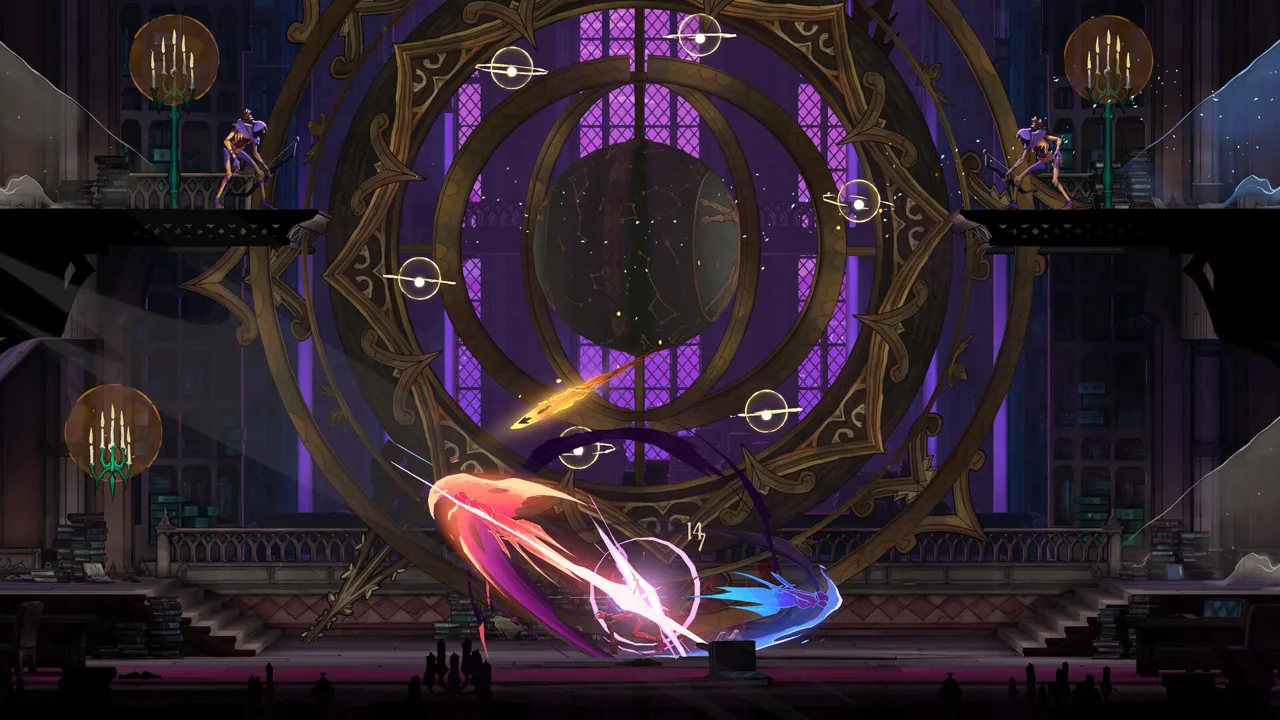 Image: Steam / KONAMI
Compare your machine against the requirements before downloading Castlevania: Belmont's Curse Steam.
| Component | Minimum | Recommended |
|---|---|---|
| Operating system | Windows 11, 64-bit | Windows 11, 64-bit |
| Processor | Intel Core i5-8400 | Intel Core i5-10400 |
| Memory | 16 GB RAM | 16 GB RAM |
| Graphics | NVIDIA GeForce GTX 1650 | NVIDIA GeForce RTX 3060 |
| DirectX | Version 11 | Version 11 |
| Available storage | 10 GB | 10 GB |
Reserve at least the Steam version's required 10 GB. KONAMI's broader product information gives different capacities for individual editions and platforms, but the PC requirements specify 10 GB for both hardware tiers.
Native platform support covers Windows. Mac and Linux versions aren't included in the Steam platform information. Steam Deck performance deserves a separate look because the game runs on that device despite the absence of a native Linux release.
Don't read the recommended specifications as a promise of a particular resolution or frame rate. The requirements provide hardware targets without pairing them with a performance preset.
Launch-period PC technical issues include hard crashes and slowdowns during transitions into in-game cutscenes. Save points can be far apart, making a crash more disruptive than a brief frame-rate dip. Use save points when you reach them, especially before extending an exploration session.
The graphics menu also offers little room for adjustment beyond resolution. If your machine struggles, lowering resolution is an available option, but Steam Deck performance shows that doing so doesn't eliminate every slowdown.
Standard or Midnight Edition: What Do You Get?
The main decision between Castlevania: Belmont's Curse Steam editions concerns bonus items and the separate digital gallery. Midnight Edition includes the full game, two costumes, a Relic, and an application for browsing artwork and listening to music.
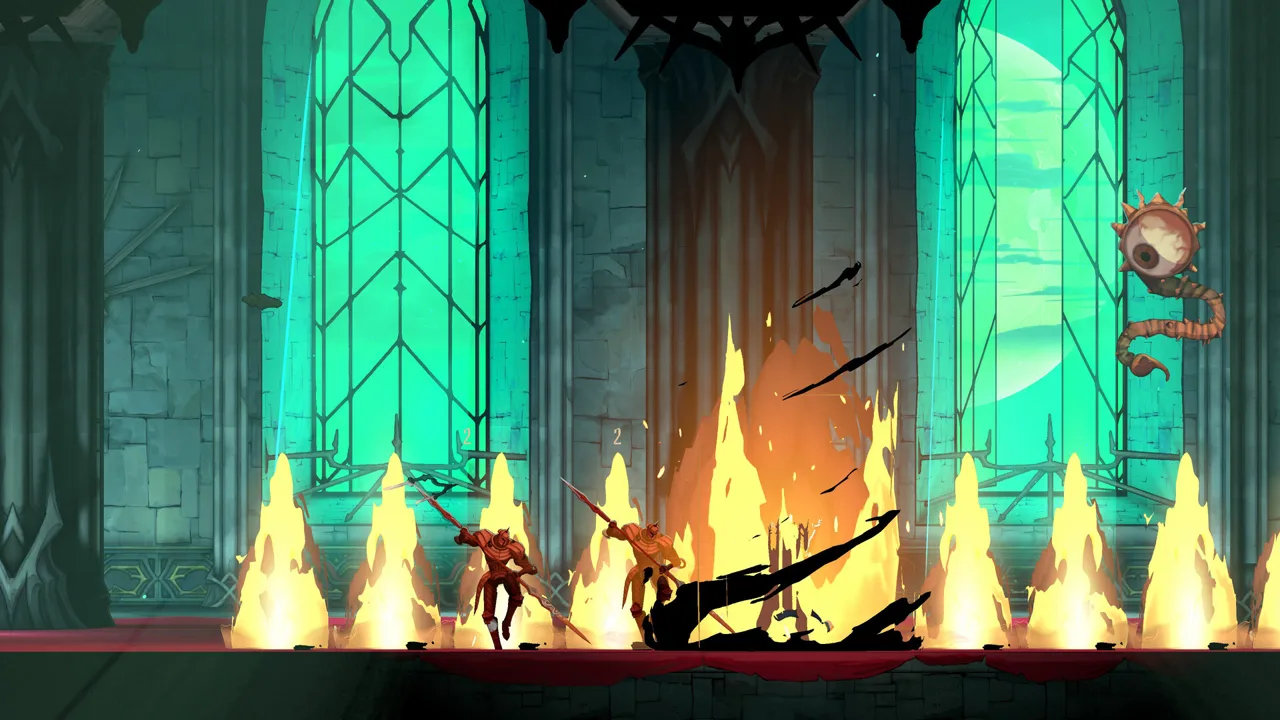 Image: Steam / KONAMI
| Content | Midnight Edition |
|---|---|
| Full game | Included |
| Digital Sound & Art Gallery | Included |
| Trevor Style Costume | Included |
| Sypha Style Costume | Included |
| Family's Grace Relic | Included |
The Digital Sound & Art Gallery contains more than 100 pieces of artwork, including concept illustrations and production sketches. Its sound player lets you listen to music from the game.
The gallery is a separate application, so expect to open it independently of Rose's adventure. That distinction matters if you're buying Midnight Edition mainly to revisit the soundtrack or examine the artwork.
Choose Standard Edition if your priority is the main game. Choose Midnight Edition if you also want the gallery, costumes, and Family's Grace Relic. Compare the edition prices on Steam before deciding how much those extras matter to you.
Allow roughly 20 hours for the adventure as a broad planning estimate. The exploration-heavy structure gives you reasons to search beyond the direct route, including weapons, Relics, concealed areas, and environmental clues. Your pace will depend on how thoroughly you investigate and how you handle the combat.
Steam Deck Performance: Aim for Consistency
Castlevania: Belmont's Curse Steam runs on Steam Deck, but launch-period performance falls short of a steady 60 FPS. Many areas run around 45–50 FPS, while wider camera views can push performance down to approximately 40 FPS or below 30.
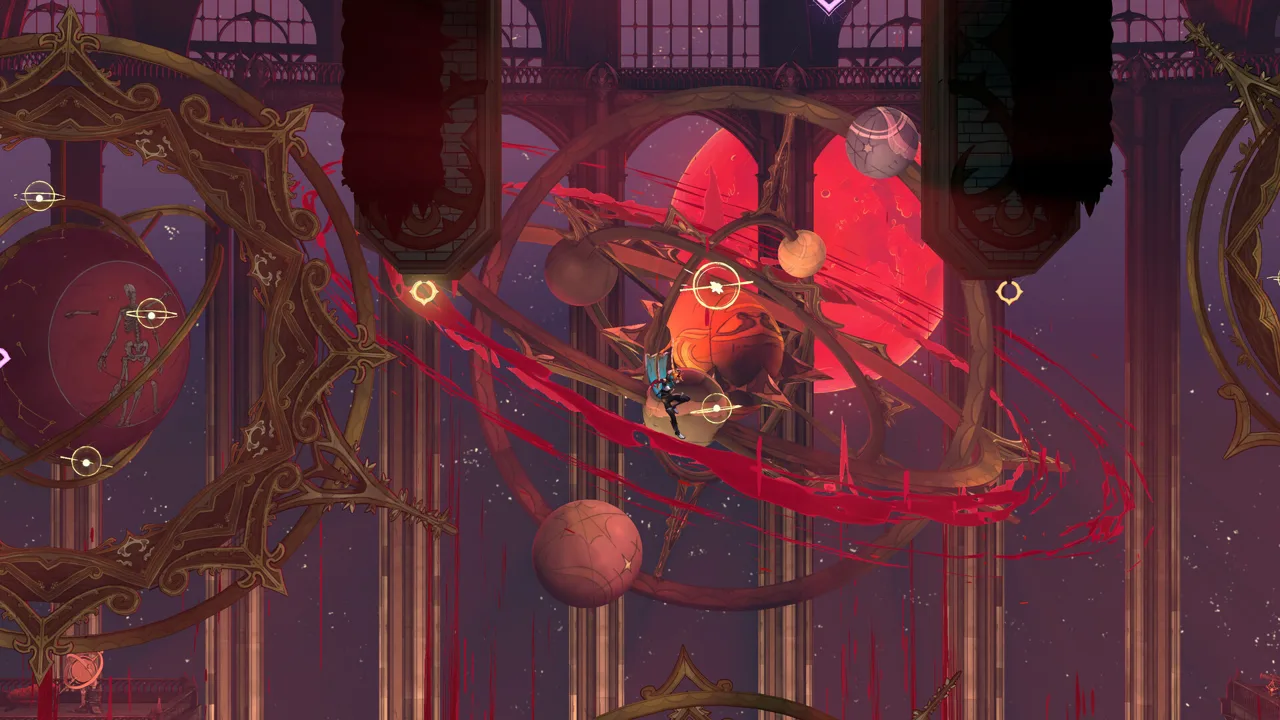 Image: Steam / KONAMI
A 40 FPS cap is a practical starting point for a more consistent presentation. It won't prevent demanding scenes from dropping beneath that target.
| Setting or behavior | Steam Deck guidance |
|---|---|
| Frame-rate limit | Start with a 40 FPS cap |
| Typical performance | Around 45–50 FPS in many locations |
| Less demanding areas | Can reach 60 FPS |
| Wider camera views | Can fall to around 40 FPS or below 30 |
| Graphics adjustments | Resolution is the available quality adjustment |
| Lower resolution | Doesn't eliminate all performance drops |
| Interface issue | Some menu text and controller prompts can be clipped |
Set expectations around those fluctuations before choosing the handheld as your primary platform.
Start at the 40 FPS cap, then assess how combat and traversal feel during play. Lower resolution if needed, but don't keep reducing it expecting every slowdown to disappear.
Watch the equipment menus carefully. Launch-period Steam Deck interface problems include obstructed controller icons, clipped weapon attack values in the Armory, and cut-off Relic descriptions. Give equipment screens an extra look before swapping gear.
Controller support suits the game's movement and combat, and Steam recommends a gamepad. Whip grappling rewards precise directional input: aiming slightly above an attachment point can send the whip past it.
Line up the direction before committing to a swing. Build consistency with individual grapples before attempting longer sequences of jumps and whip movements. Rose gains additional traversal tools during the adventure, but her jump floatiness and grapple windup remain part of the timing you need to learn.
Combat, Exploration, and Settings to Learn Early
Beyond its platform features, Castlevania: Belmont's Curse Steam offers a handcrafted action-exploration adventure with several ways to customize Rose. Weapons, Arcana, and Relics all contribute to your combat options, while environmental clues give exploration a purpose beyond collecting equipment.
Read Attacks Before Sliding
Rose's slide has no invincibility frames. Use it to reposition around an attack rather than assuming it will carry you safely through damage.
Shield-bearing enemies illustrate the difference. You can slide underneath while a shield is raised during an attack, but an upward swing can catch you. Watch the animation before moving.
There is also no contact damage. Pay attention to active attacks and projectiles rather than treating every touch as a hit.
Match Weapons to Their Reach
Seven weapon categories provide different ranges and attack speeds. Spears offer reach with slower animations, while Cestus weapons demand close positioning. The whip offers versatility but still rewards careful spacing.
Try a newly discovered weapon against familiar enemies before taking it into an unfamiliar encounter. Compare its windup, reach, and recovery against the weapon you're replacing.
Relics add effects involving health, damage, mana generation, and other conditions. Read their descriptions alongside your weapon and spell choices so your equipment supports the way you actually fight.
Work on Arcana Objectives
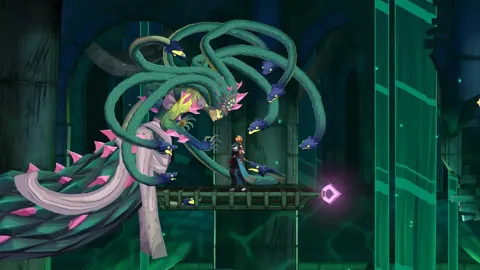
Defeated bosses become tarot cards that grant Arcana spells and special actions. Rose can equip one Arcana spell at a time, and completing its combat objectives unlocks upgrades.
Check those objectives regularly. Upgrading the cross-throw ability, for example, can add a second cross, increase damage with distance, and restore mana when you catch it based on enemies hit.
Practice the return timing if you use that ability. Its upgraded effects reward more than simply throwing it whenever an enemy appears.
Follow Clues While Exploring
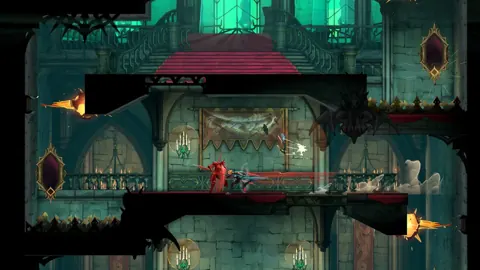
Large portions of the adventure allow different boss orders. Drawings, riddles, and ghost accounts help direct your search and solve environmental puzzles.
Pay attention to those clues when a route seems puzzling. Revisit suspicious rooms with the information you've learned, and inspect shortcuts or alternate doorways instead of assuming every obstacle requires another movement ability.
The world includes loading transitions between locations, with twisting layouts and secrets within each area. Explore individual districts thoroughly.
Reduce Visual Clutter
Busy fights combine projectiles, spell effects, and screen shake. Adjust the accessibility options if those effects make attacks difficult to read:
- Reduce screen shake.
- Enable outlines for Rose and enemies.
- Adjust damage multipliers to suit your preferred challenge.
- Disable boss runbacks if you want to focus on learning the fight.
Use these controls to keep attention on enemy timing and your own movement. The later portion of the game increases the challenge, so revisit the settings if combat becomes harder to follow.
FAQ
Is Castlevania: Belmont's Curse Steam available now?
Yes. The Windows version is released. Steam displays October 14, 2026, while KONAMI's website gives October 15, 2026. The Steam app ID is 4231820.
Does it support controllers and Steam Cloud?
Yes. The Steam version includes full controller support, DualSense support, Steam Cloud, achievements, and Family Sharing. Keyboard-only play is also supported, although a gamepad is recommended.
Can you play it at 60 FPS on Steam Deck?
It can reach 60 FPS in some areas, but launch-period performance frequently runs around 45–50 FPS, with heavier scenes falling lower. Start with a 40 FPS cap for a more consistent target.
What does Midnight Edition add?
Midnight Edition adds the Digital Sound & Art Gallery, Trevor Style Costume, Sypha Style Costume, and Family's Grace Relic. The gallery runs as a separate application and includes more than 100 artworks plus an in-app music player.
Continue with
 Castlevania: Belmont's Curse Switch 2 Physical ReleaseCastlevania: Belmont's Curse Switch 2 physical release explained: compare editions, cartridge contents, downloads, pricing, and performance before buying.
More in Platforms
Castlevania: Belmont's Curse PS5: Price & Demo Guide
Castlevania: Belmont's Curse PS5 is out now. Compare editions, check the $29.99 price, explore combat features, and try the free demo before buying a copy.
Castlevania: Belmont's Curse Switch: Performance Guide
Castlevania: Belmont's Curse Switch guide: compare 30 and 60 fps, check price and file size, and learn what to expect from combat, bosses, and exploration.
Castlevania: Belmont's Curse Xbox Guide: Editions & More
Castlevania: Belmont's Curse Xbox guide covering Series X|S support, release date, prices, Midnight Edition extras, and combat tips. Plan a vampire hunt.
Join the community
Official channels for news, updates and player help: